iPhone & iPad · free · no ads · no account
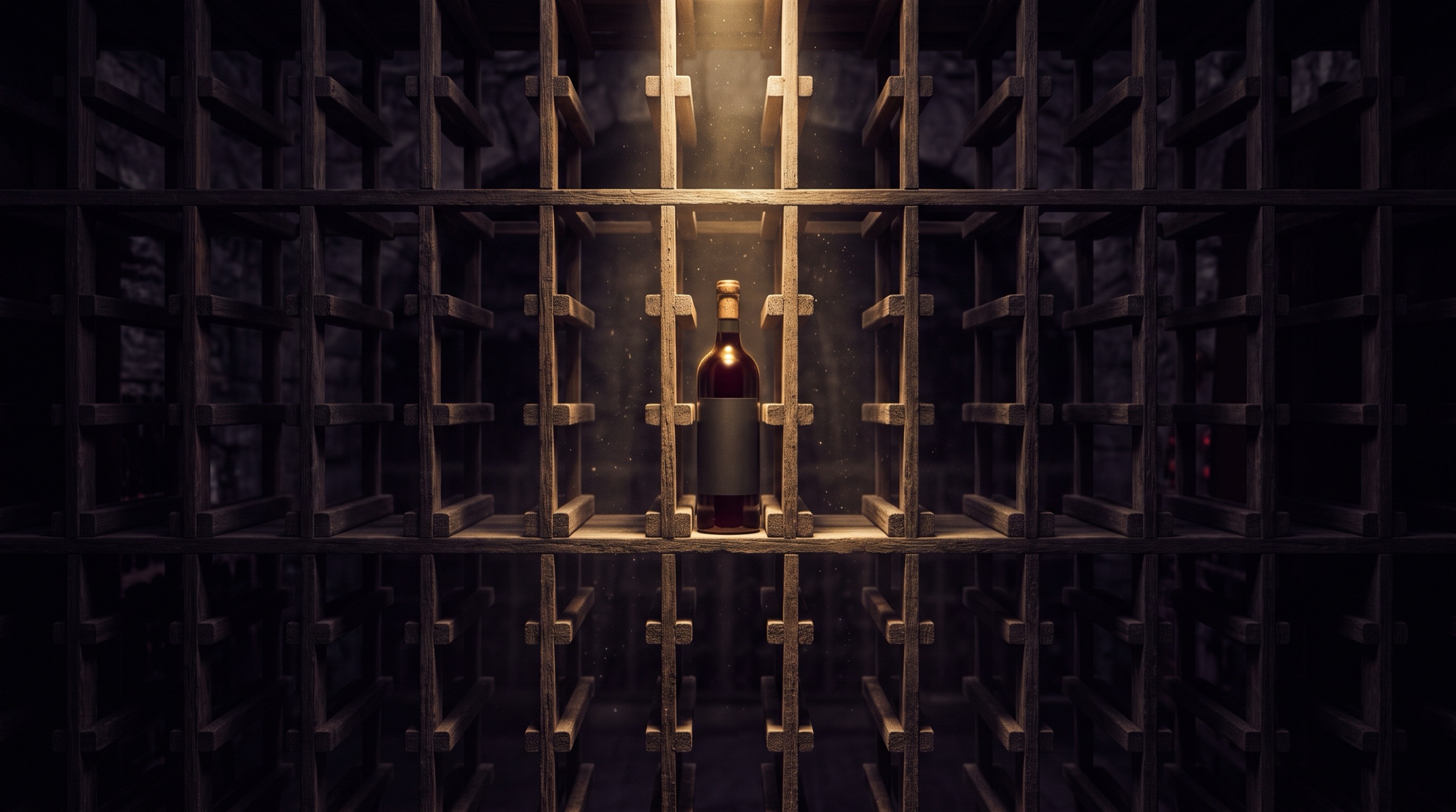
Your cellar,
finally lit.
Bring the label into the light: Faro suggests the record, you check it, and the bottle finds its slot. For each wine, an estimated aging window shows where it stands.
Scan◆Shelve◆Find
Adding a bottle
One photo.
Faro suggests, you check.
Faro reads the label on the iPhone and suggests the name, vintage and region, to check before adding. The barcode can also be looked up in Open Food Facts, only when you ask.
- Name
- Meursault
- Estate
- Domaine Ancelin-Varenne
- Vintage
- 2019
- Region
- Bourgogne
The cellar map
Every bottle has its slot.
Place your bottles in your own storage — racks, cases, a wine fridge, one cellar or several. Light shows where the bottle sits; the phase, spelled out, shows where the wine stands.
- Château Pierre-Veilleuse2016 · Saint-ÉmilionWaking up
- Domaine de la Pierre Grise2020 · ChablisReady
- Domaine du Mistral Bleu2022 · Rhône ValleyStill sleeping
- Domaine Vialette-Roche2015 · Rhône ValleyPast its prime
Still sleepingWaking upReadyPast its prime
Aging window
Where each wine stands.
Faro estimates each bottle's aging window from its vintage, type and region. It's an estimate: you adjust it in one tap (short, medium or long aging), and a neutral notification marks when the window opens.
- Still sleepingIts estimated window hasn't opened yet.
- Waking upIts window opens next year: Faro lets you know.
- ReadyIt is within its estimated window.
- Past its primeIts estimated window has passed.
Features
Your whole cellar, one record per bottle
- 01
Label reading
Faro suggests the name, vintage and region from a photo, to check before adding. The barcode can be looked up in Open Food Facts, only when you ask.
- 02
The lit rack
Racks, cases, a wine fridge, one cellar or several: every bottle has its slot, and a single light leads you to it.
- 03
Aging windows
Still sleeping, waking up, ready, past its prime: an estimate from vintage, type and region, which you adjust in one tap.
- 04
Tasting notes
Colour, nose, palate, finish, score out of 100, occasion and serving temperature, kept in the bottle's history.
- 05
Food pairings
“What are you serving?”: the moment of the meal (aperitif, starter, main, cheese, dessert) or the dish, and the occasion. The sommelier's card suggests wines from your cellar with how to serve them (temperature, open or decant ahead), with no made-up percentages.
- 06
The cellar book
Stats by type, region and vintage, a PDF cellar book, CSV export and import (Vivino, CellarTracker, spreadsheet), optional iCloud backup.
After the tasting
Colour, nose,
palate, finish.
Every bottle you open leaves a record: the four axes, the occasion, the serving temperature and an overall score out of 100. The history stays, long after the bottle is empty.
- Colour
- Nose
- Palate
- Finish
In pictures
Faro, screen by screen
Faro
A single light in the cellar.
Every bottle in its place, every wine in its phase, every tasting in the book.
Coming soon to the App StoreFaro is not on the App Store yet — the first reviews will appear here at launch.
Alcohol abuse is dangerous for your health. Drink responsibly.